
2.8 TFT Touch Shield V2.0
Description
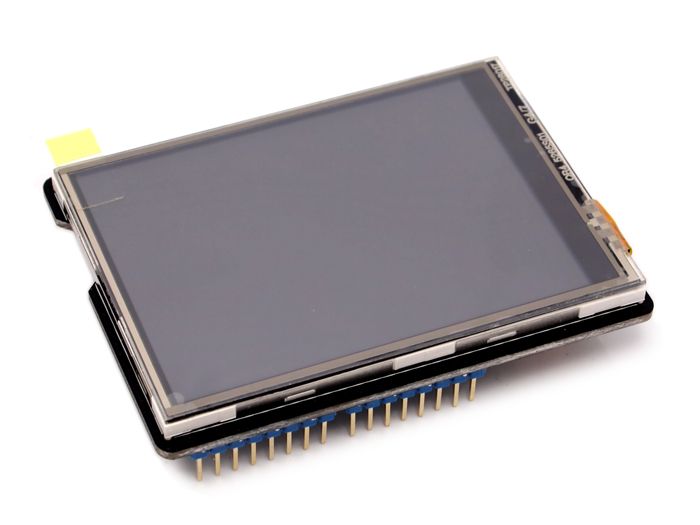
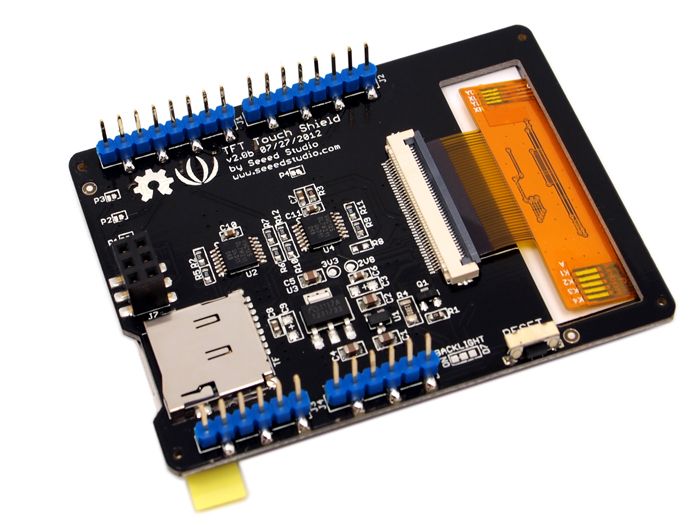
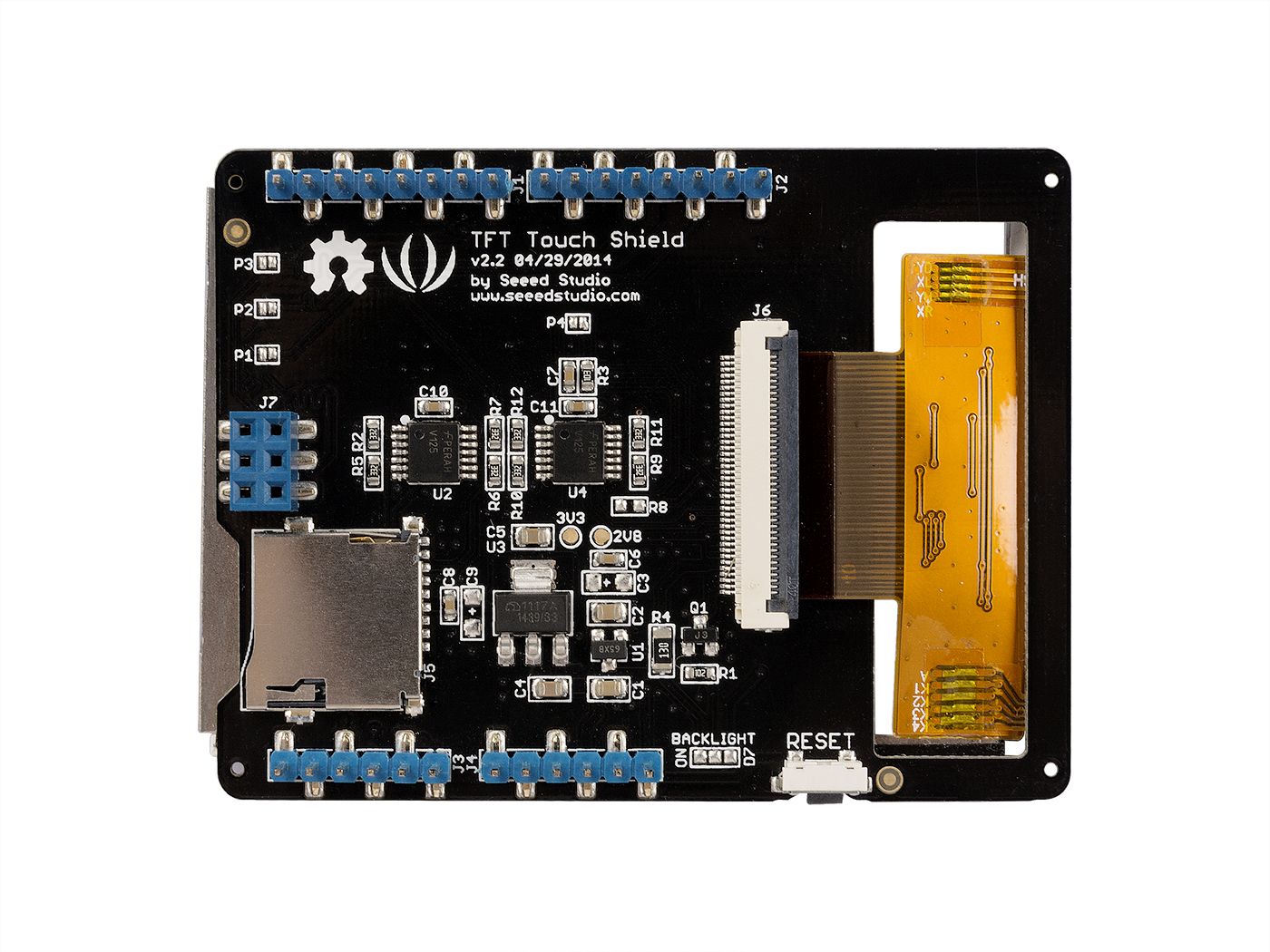
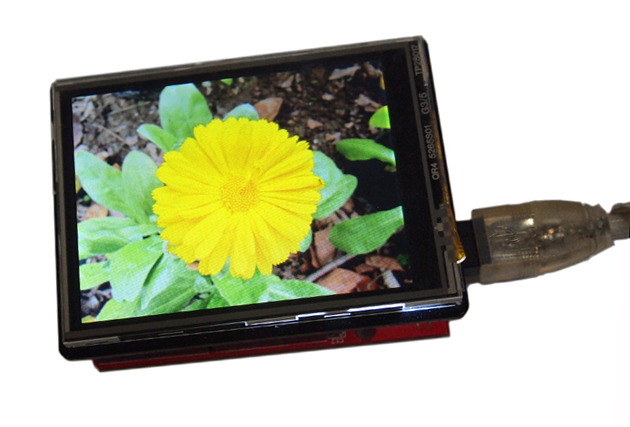
The 2.8 TFT Touch Shield V2.0 is a multifunctional Arduino/Seeeduino/Arduino Mega compatible resistive touch screen. It can be used as display device or sketch pad. Compared with the previous version, 2.8’’TFT Touch Shield V1.0, we replaced the screen driver with a more professional chip, ILI9341 driver, providing different pin-saving SPI communication without sacrificing the data transmitting speed. Due to the communication method change, programs developed for the original version need modifications before being transplanted to the new version. With a SD card module integrated also on this shield, this shield reserves great room for other expansions to your project.
Features
- Big screen for easy and comfortable experience
- Backlight controllable via programming
- 65535 rich colors display
- SPI pin-saving communication method
- Full screen touch active range

Technical details
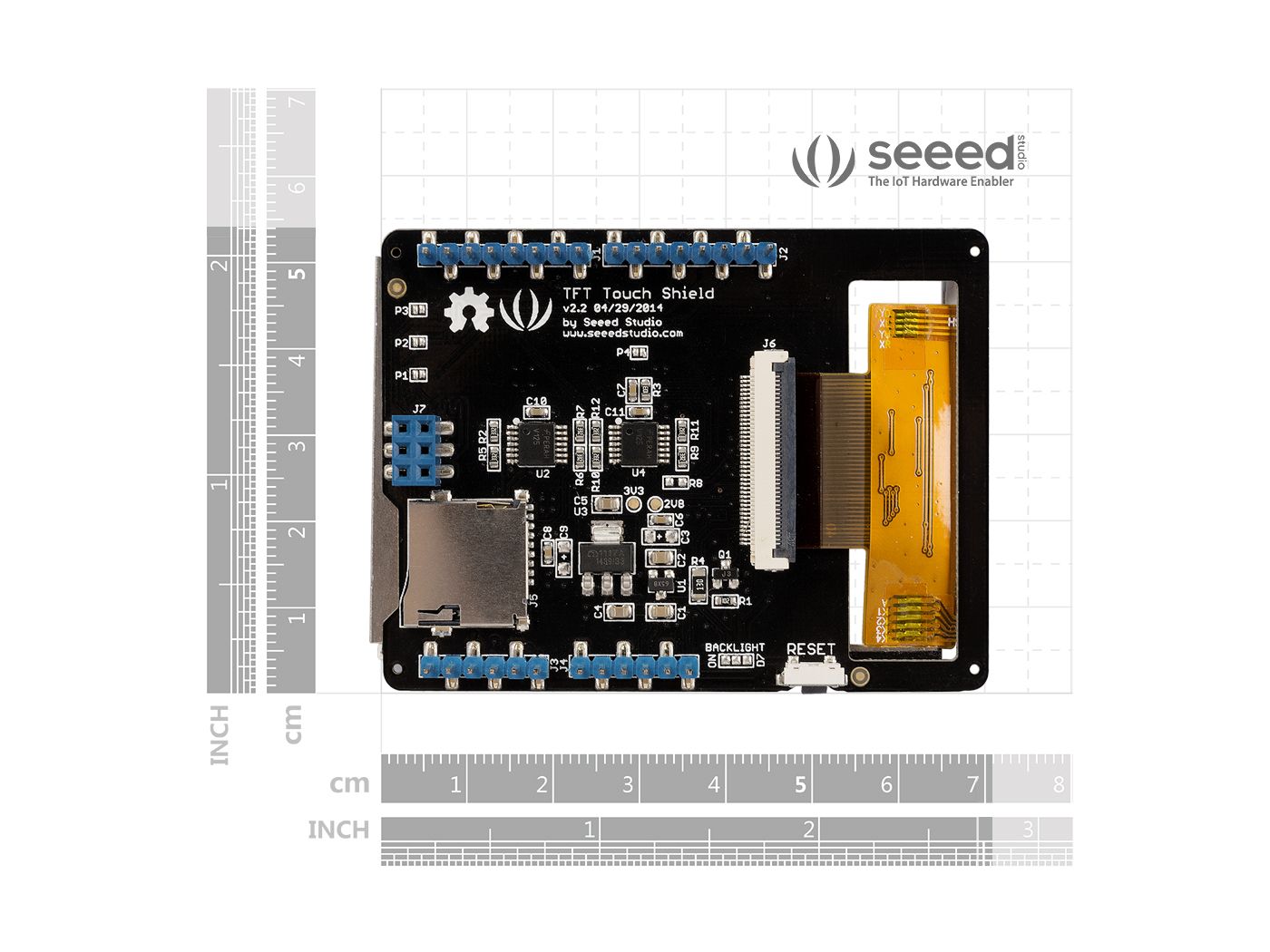
| Dimensions | 100mm x66mm x30mm |
| Weight | G.W 56g |
| Battery | Exclude |
Part List
| 2.8 TFT Touch Shield V2.0 | 1 |
ECCN/HTS

| HSCODE | 9013803010 |
| USHSCODE | 8531809051 |
| UPC | 841454100560 |
| EUHSCODE | 8531202090 |
| COO | CHINA |
YOU MAY LIKE THIS
LEARN AND DOCUMENTS
Documentations
Learn

Getting Started
This getting started is based on Win10 and Arduino IDE 1.6.9 environment.
We will show you how this display works, please prepare materials as below to start.
Seeeduino V4 |
2.8 TFT Touch Shield V2 |
Micro USB Cable |
 |
 |
 |
| More Details | More Details | More Details |
Download Arduino Library
This library supports below platforms:
- Arduino/Genuino UNO
- Seeeduino V3/4.0/4.2
- Arduino/Genuino Mega
- Arduino Leonardo
- Seeeduino Lite/Clio/Lotus
- LinkIt ONE(Touch panel does not work)
Click to download the Touch Screen Driver,then please click on below button to download the library and install it, if you don’t know how to install an Arduino library, please refer to the tutorial (HOW TO INSTALL AN ARDUINO LIBRARY).

This library includes below examples,
- drawCircle
- drawLines
- drawNumber
- drawRectangle
- paint
- shapes
- text
- tftbmp
- tftbmp2
We use example ‘shapes’ for this demo.
We recommend using Seeed_Arduino_LCD with internal flash chips larger than 128k. If you have a smaller flash device, I recommend using the TFT_Touch_Shield_V2.
Connect the cables and Upload the code
Step1. Insert the TFT_Touch_Shield_V2 board to Seeeduino,
Step2. Connect your Seeeduino board to computer with USB cable
Step3. Open Arduino IDE, Select the correct COM port and Boards(in this example we use Seeeduino V4)
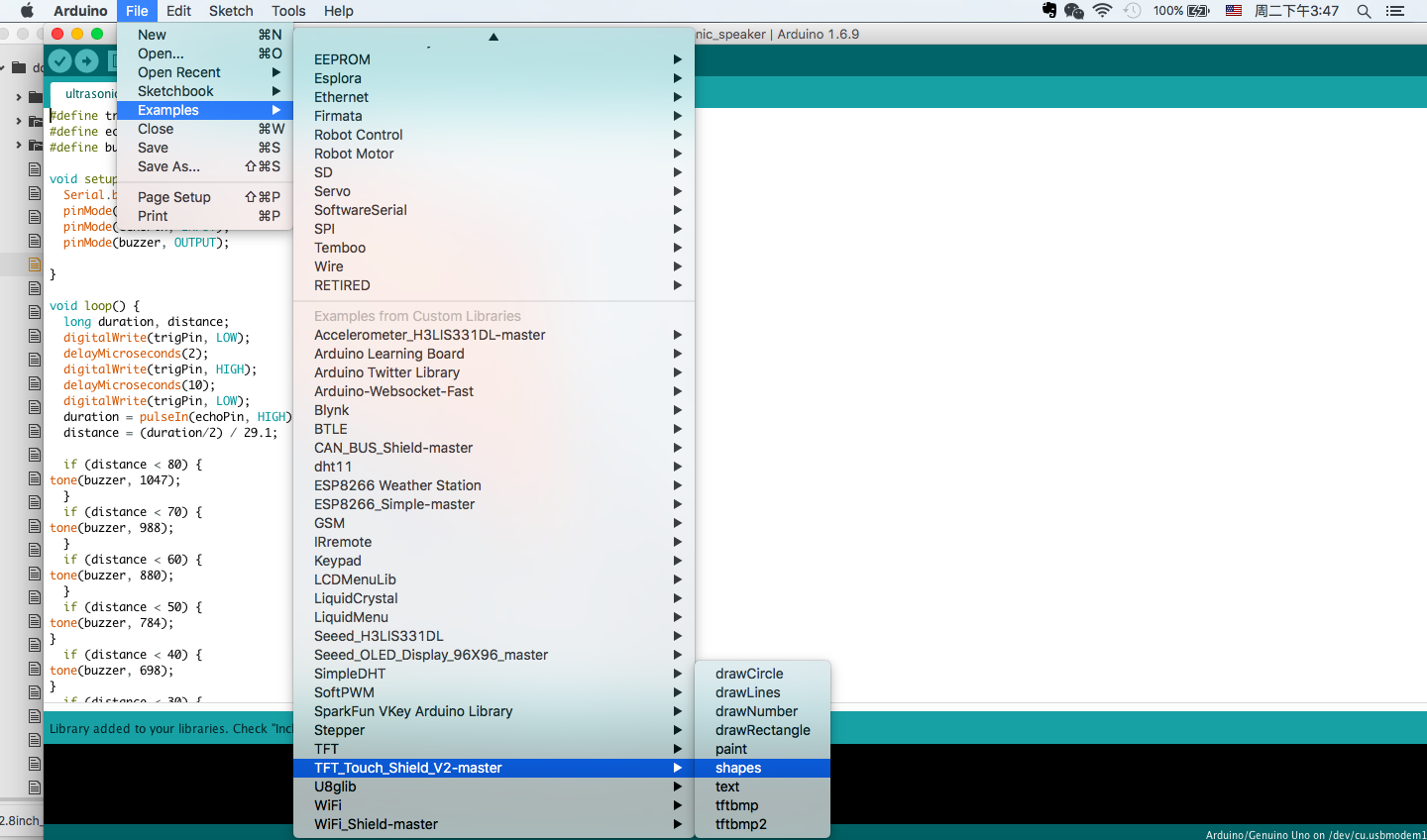
Step4. Click on File > Examples > TFT_Touch_Shield_V2-master > shapes to open the code. Upload the example to Seeeduino.
If you have any question about how to upload the code, please refer [here](https://wiki.seeedstudio.com/Seeeduino_v4.2/#getting-started) for more details.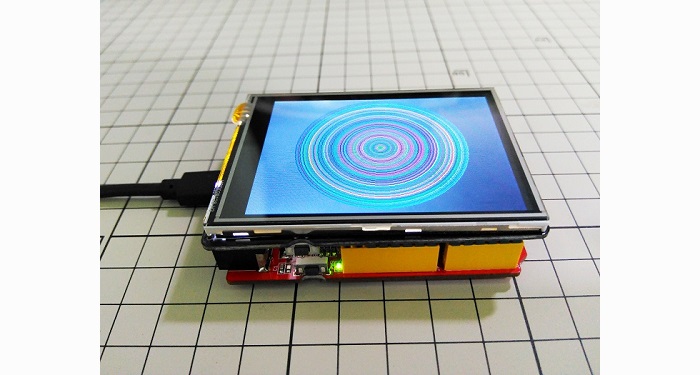
Backlight
The backlight is always default on, if you want to change the backlight, you need to do some hacking on the board. Please look at the back side of the board. There’s a BACKLIGHT label. One side is named as ON, and the other side is named D7. We need to cut the wire between middle pad and ON pad, solder middle pad with D7 pad. As shown below.

Then you can control the backlight via D7.To open backlight:
digitalWrite(7, HIGH);
To close backlight:
digitaWrite(7, LOW);
Please be careful when use a box cutter and soldering iron.
More products
You must be logged in to post a review.


Reviews
There are no reviews yet.